
Create and publish a post
Last updated: 2026-07-13
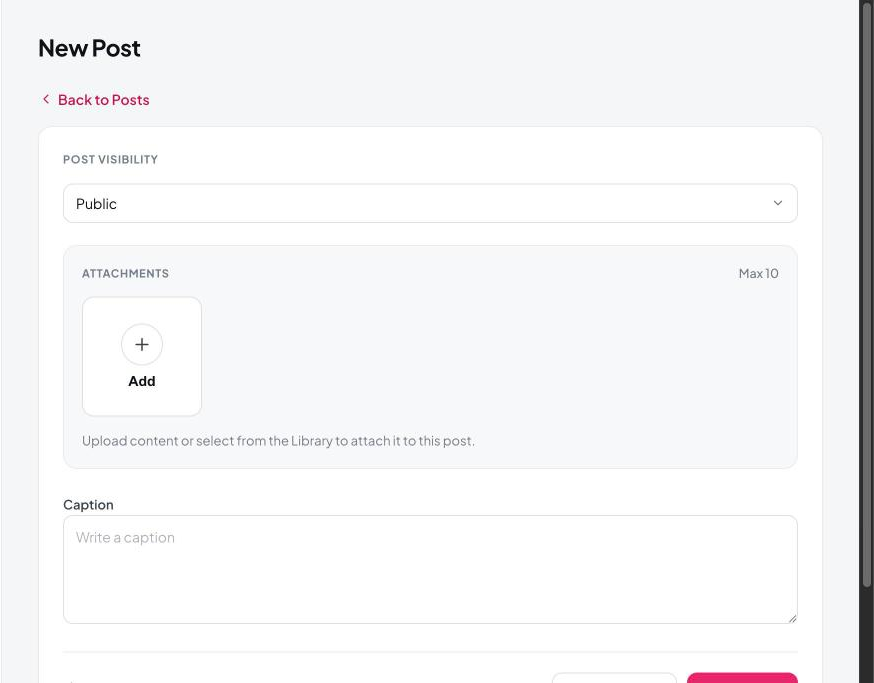
- From Overview or Posts, click New post.
- Choose a visibility level (Public, Subscribers, or Paid — see Set post visibility).
- Click Add to attach photos or videos (up to 10 per post).
- Write your caption.
- Optionally set a price, tags, or a schedule.
- Click Create Post to publish immediately.
Your post goes live the moment you click Create Post.
Still need help?
Our support team is happy to assist.