
Organise content with Type, Theme, and Labels
Last updated: 2026-07-13
On the Edit Post screen, the tag groups sit inline below the caption (with a Search box to filter them quickly). On the New Post screen, click the Tags chip to reveal them. Either way, you pick from three separate groups — select any that apply:
- Type — Photo set, Video, Audio, Live, Bundle
- Theme — Behind the scenes, Lifestyle, Fitness, Travel, Cosplay, Gaming, Music, Q&A
- Labels — Exclusive, New, Limited, Preview, Fan favourite, Discount
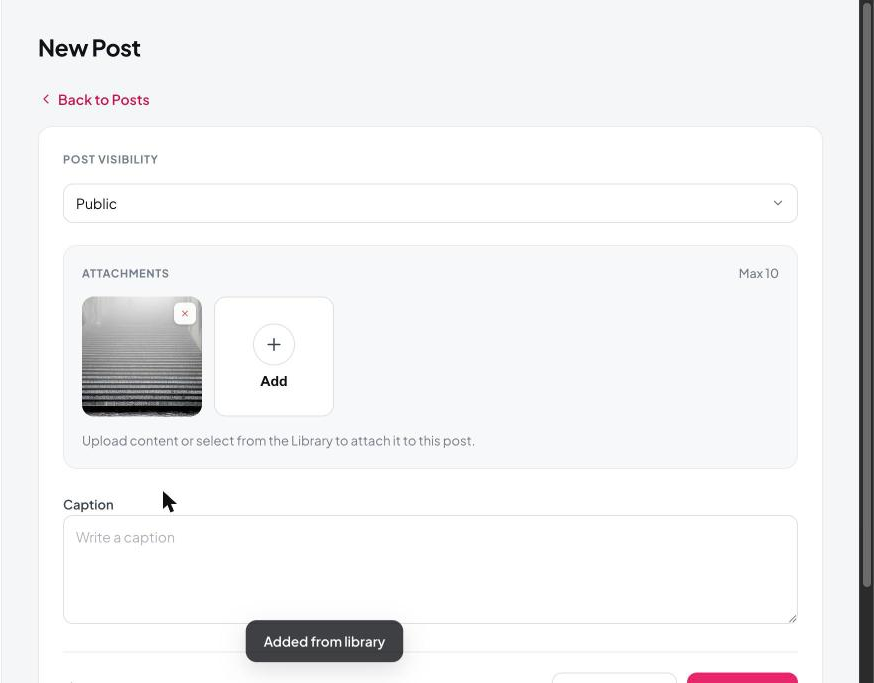
Selected tags highlight in pink. Good tagging helps fans find your content and keeps your own library organised as it grows.
Still need help?
Our support team is happy to assist.