
Schedule a post for later
Last updated: 2026-07-13
- In the New Post screen, click the Schedule chip near the bottom.
- Pick your date and time in the picker that opens.
- Click Save.
- Finish by clicking Create Post.
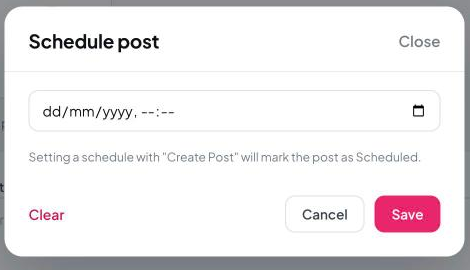
Important: Setting a schedule alone does not publish your post. It only becomes Scheduled once you click Create Post after setting the time.
Still need help?
Our support team is happy to assist.